
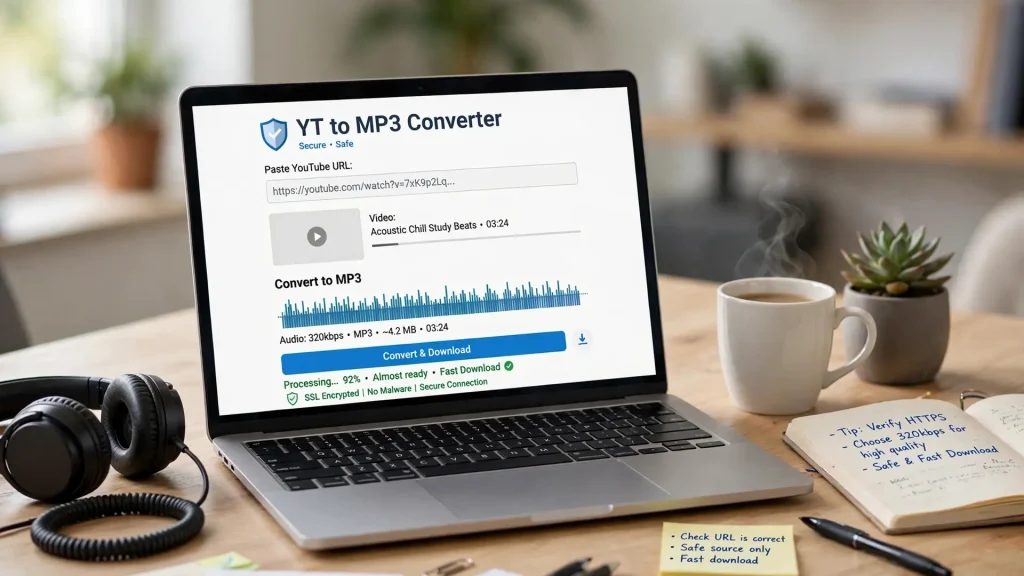
YouTube is home to an enormous variety of music, podcasts, interviews, tutorials, lectures, and other audio-rich content. For users who have permission to download or convert that material, a YT to MP3 converter can provide a convenient way to create an audio file for offline listening.
This guide explains how YT to MP3 converters work, what features to look for, how to use them responsibly, and the safety and copyright considerations you should understand before downloading content.
What Is a YT to MP3 Converter?
A YT to MP3 converter is an online or desktop tool designed to extract an audio track from a compatible YouTube video and save it in MP3 format.
MP3 remains popular because it offers broad device compatibility and relatively small file sizes. Depending on the converter and source material, users may be able to choose different audio-quality settings.
Common reasons for converting permitted content include:
- Offline listening: Access audio without an internet connection.
- Device compatibility: Play files on phones, computers, cars, and other supported devices.
- Flexible storage: MP3 files generally require less storage than video files.
- Audio-focused playback: Listen to lectures, podcasts, interviews, or other content without keeping the video open.
It’s important to remember that the ability to technically download something does not necessarily mean you have permission to do so.
How YT to MP3 Conversion Works
Most online converters follow a straightforward process:
- Enter a URL: Paste the address of a compatible YouTube video.
- Analyze the source: The service identifies the available media information.
- Extract the audio: The audio track is separated from the video.
- Encode the file: The audio is converted into the selected format and quality.
- Download the result: The finished file is made available for download.
Web-based converters can be convenient because they generally don’t require users to install dedicated software. However, users should still evaluate the reputation and security practices of any third-party service before downloading files.
Features to Look for in a Good Converter
Not every YT to MP3 service offers the same experience. Before choosing a tool, consider the following factors.
Security and Privacy
A trustworthy service should use HTTPS, minimize unnecessary data collection, and clearly explain its privacy practices. Be cautious with websites that generate excessive pop-ups, unexpected redirects, or requests to install unfamiliar software.
Conversion Speed
Processing time can vary depending on video length, server capacity, internet speed, and the converter itself. A good service should provide reasonable processing times without requiring unnecessary installations.
Audio Quality
Some converters offer multiple quality settings. Higher bitrates can produce larger files, while lower bitrates reduce file size.
Remember that converting a low-quality source into a higher-bitrate MP3 does not create additional audio detail. The final quality is limited by the original source.
Ease of Use
A simple interface can make the process considerably easier. Ideally, users should be able to enter a URL, select an available format or quality level, and download the result without navigating through confusing menus.
Device Compatibility
A web-based converter should work across common desktop and mobile browsers. Downloaded MP3 files can then be transferred to compatible devices for offline playback.
Why Choose YT to MP3?
YT to MP3 services can be useful when you need a straightforward way to convert permitted YouTube content into an audio file.
A good service should prioritize:
- Simple URL-based conversion
- Reasonable processing speeds
- Multiple quality options
- Mobile compatibility
- A clean interface
- Transparent privacy practices
- Clear information about supported content
Rather than choosing a converter solely because it advertises itself as the “best,” evaluate the actual features, security practices, and reputation of the service you intend to use.
How to Use a YT to MP3 Converter
The general process is simple:
- Open YouTube and locate content you have permission to download or convert.
- Copy the video’s URL.
- Open your chosen conversion service.
- Paste the URL into its input field.
- Select MP3 and an available quality setting.
- Start the conversion.
- Download the resulting file.
- Scan unfamiliar downloads with your security software if appropriate.
The exact interface will vary between services, so follow the instructions provided by the converter you choose.
Safety Tips for Using Online Converters
Third-party conversion websites can vary significantly in quality and security. Keep these precautions in mind:
Avoid Suspicious Downloads
Be wary of sites that ask you to install unknown browser extensions, executable files, or unrelated applications simply to perform a conversion.
Watch for Misleading Buttons
Some free websites use advertisements that resemble download buttons. Check carefully before clicking anything, particularly if a page opens a new tab unexpectedly.
Keep Your Browser Updated
An up-to-date browser and operating system provide important security protections when visiting unfamiliar websites.
Use Security Software
A reputable antivirus or endpoint-security solution can provide an additional layer of protection when downloading files from third-party websites.
Protect Your Personal Information
A basic converter shouldn’t normally require sensitive personal information. Avoid providing passwords, payment information, or unnecessary personal details to questionable services.
Copyright and YouTube’s Rules
Copyright is one of the most important considerations when converting YouTube content.
A video may contain music, footage, performances, or other material owned by someone else. Downloading or redistributing that material without authorization may violate copyright law or the rights holder’s terms.
YouTube also has its own terms governing how content can be accessed and downloaded. As a general rule, use converters only when you have the necessary rights or permission—for example, with your own content, appropriately licensed material, or content explicitly made available for download.
If you simply want legitimate offline access to supported YouTube content, YouTube’s own offline features may be the safer option.
Common Conversion Problems
Even reputable tools can encounter technical issues.
The Video Isn’t Supported
Some videos may be unavailable because of privacy settings, geographic restrictions, age restrictions, platform changes, or other limitations.
The Conversion Fails
Try checking that the URL is correct and that the original video is still publicly accessible. If the problem persists, the converter may not currently support that particular video.
Audio Quality Is Poor
The quality of an MP3 cannot exceed the quality of the source audio. If the original recording is low quality, choosing a higher MP3 bitrate won’t restore missing detail.
Downloads Are Slow
Processing time can depend on video length, server traffic, your connection, and other technical factors. Trying again later or using a different reputable service may help.
Alternatives to Third-Party Converters
A converter isn’t always the best solution.
Depending on your needs, alternatives include:
- YouTube’s official offline features: Useful when supported for the content and account.
- Creator-provided downloads: Some creators make audio or video files available directly.
- Licensed music and podcast platforms: These may provide legitimate offline listening options.
- Desktop media tools: Useful when working with content you own or are licensed to use.
- Direct downloads from content creators: Often the simplest option when available.
Choosing an official or authorized option can provide greater security and avoid copyright complications.
The Future of Audio Conversion
As online video platforms change their technology and policies, conversion tools will need to adapt. Future services may offer improved processing, better format compatibility, and more sophisticated audio-handling capabilities.
At the same time, privacy, security, copyright compliance, and platform restrictions will remain important considerations.
The most useful tools will ultimately be those that combine convenience with transparent practices and responsible use.
Conclusion
YT to MP3 converters can be convenient tools for creating audio files from YouTube content when you have the necessary rights or permission to do so.
The best approach is to evaluate a converter based on security, privacy, audio quality, ease of use, compatibility, and transparency rather than relying solely on promotional claims.
Before converting anything, consider whether you are authorized to download it. When possible, use official offline features or downloads provided directly by the content owner.
With the right approach, you can enjoy permitted audio content offline while keeping security, privacy, and copyright responsibilities in mind.
Leave a Reply